Adding a Video to Your Library
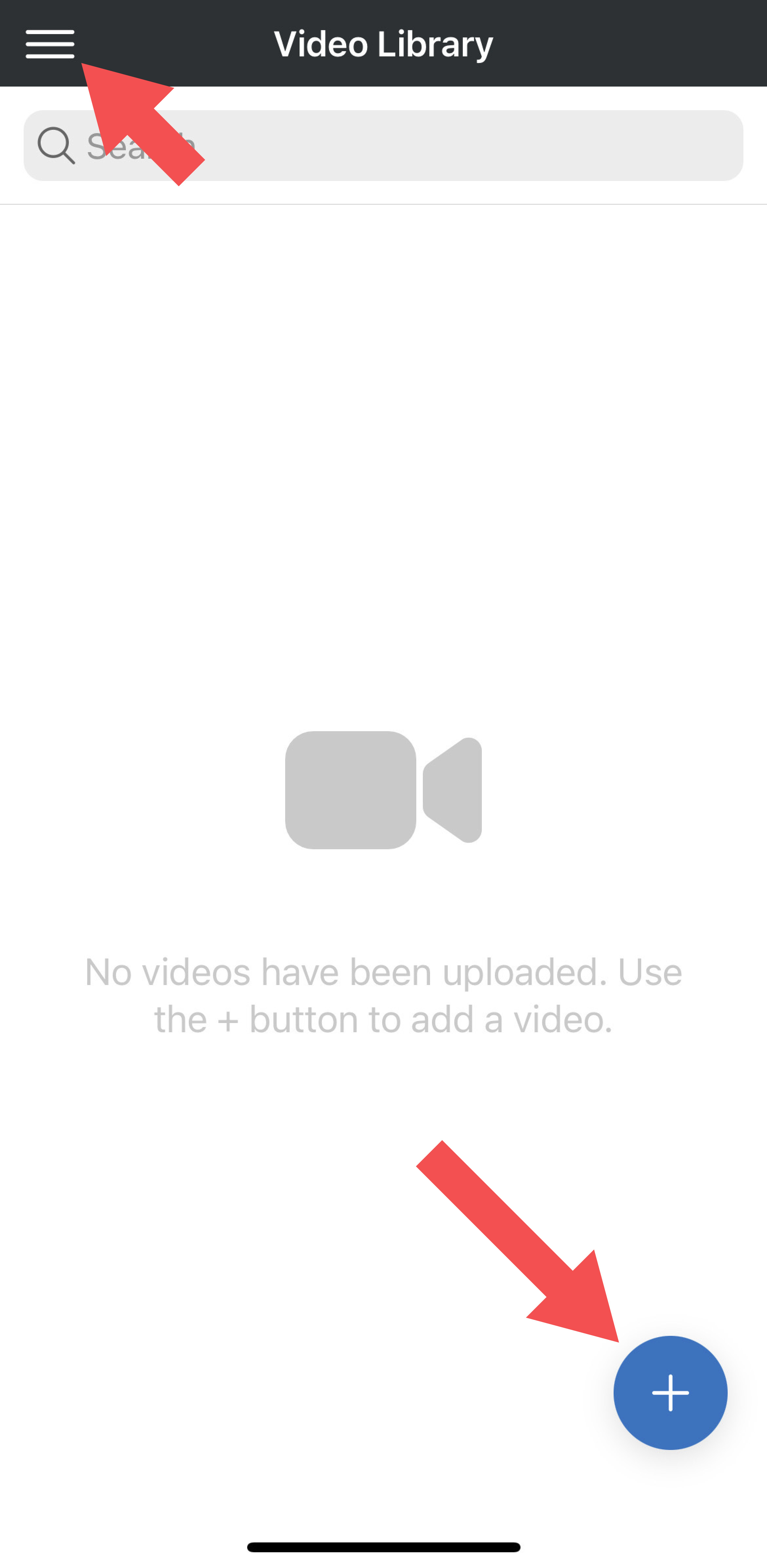
- Navigate to your Video Library, which is accessible from the main menu.
- Tap the + icon in the lower right corner.
- Choose to use a video from your camera roll or take a new video on the fly.
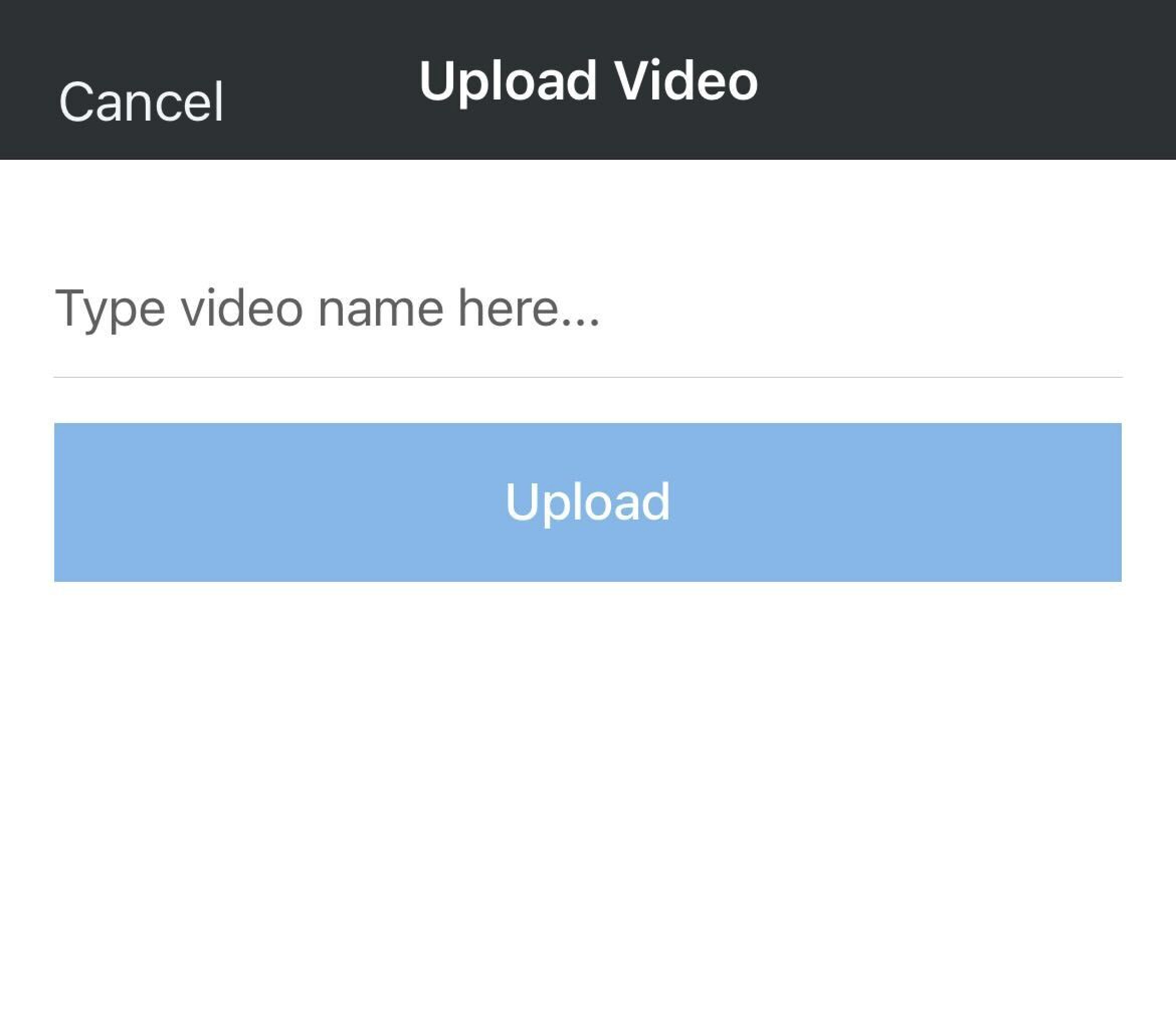
- After you've selected or recorded a video, give it a name and tap the Upload button.
- When the video is done processing, it will be visible in your Video Library.
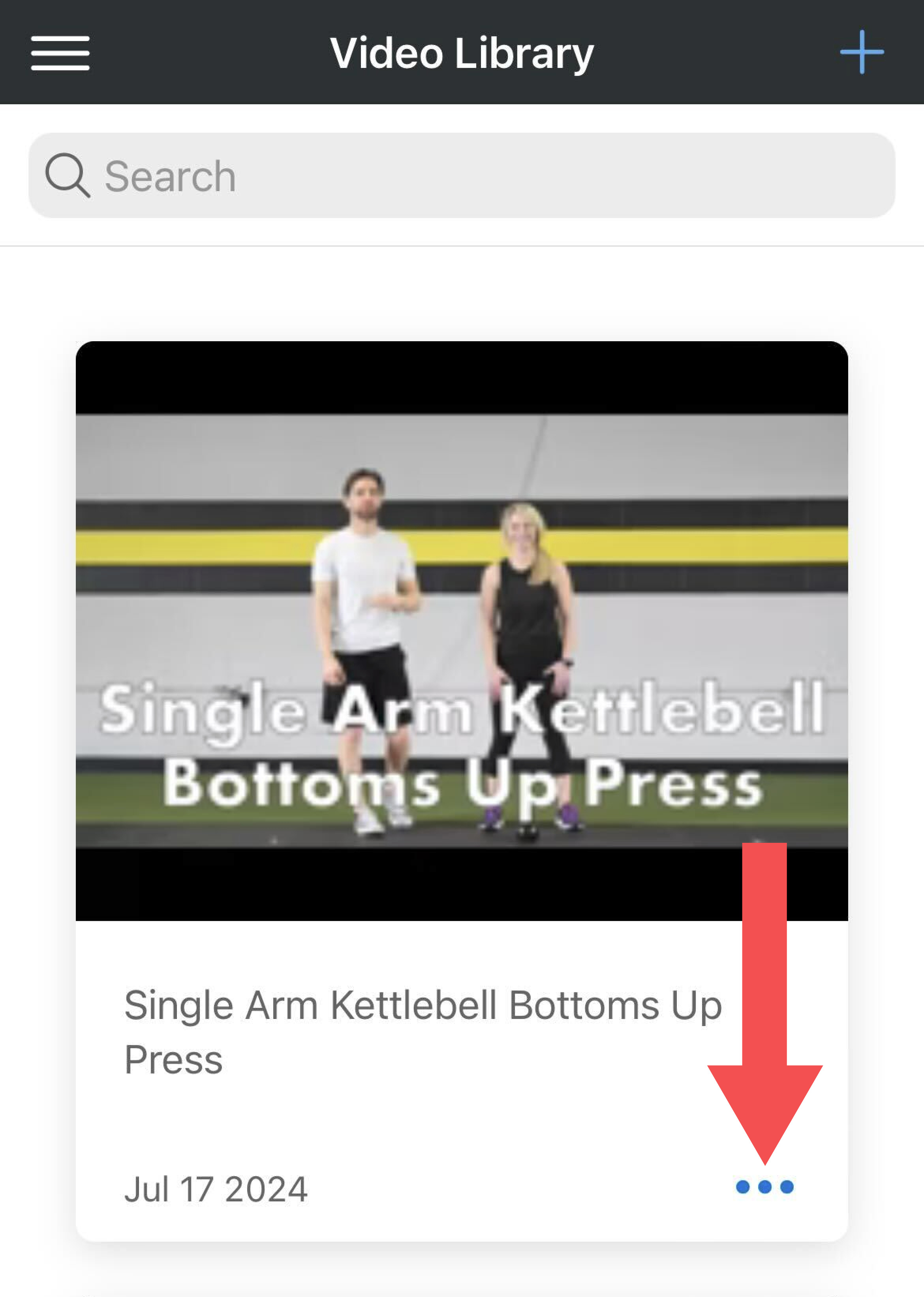
- Tap the 3-dot icon to edit the name of the video or delete it.
Was this article helpful?
That’s Great!
Thank you for your feedback
Sorry! We couldn't be helpful
Thank you for your feedback
Feedback sent
We appreciate your effort and will try to fix the article